
Q I'd like to change the redirect settings after sending complete.
A
Okay, please open the rl-apcf-redirect-conf.php.
If you'd like to set "redirect time" arbitrarily, change the number "4" on the right side of the next line to the amount of seconds you'd like to redirect.
//$rl _apcf_redirect_time = "4"; //time (second)
If you'd like to set the redirect page arbitrarily, please correct the "/" on the right side of the next line to the URL of the page you want to redirect.
$rl_apcf_redirect_page = "/"; //page
To enable the setting, remove the "//" at the beginning of the line.
[Update]
2024/Nov/01: For v1.7.3 and later
v1.5.0 and later
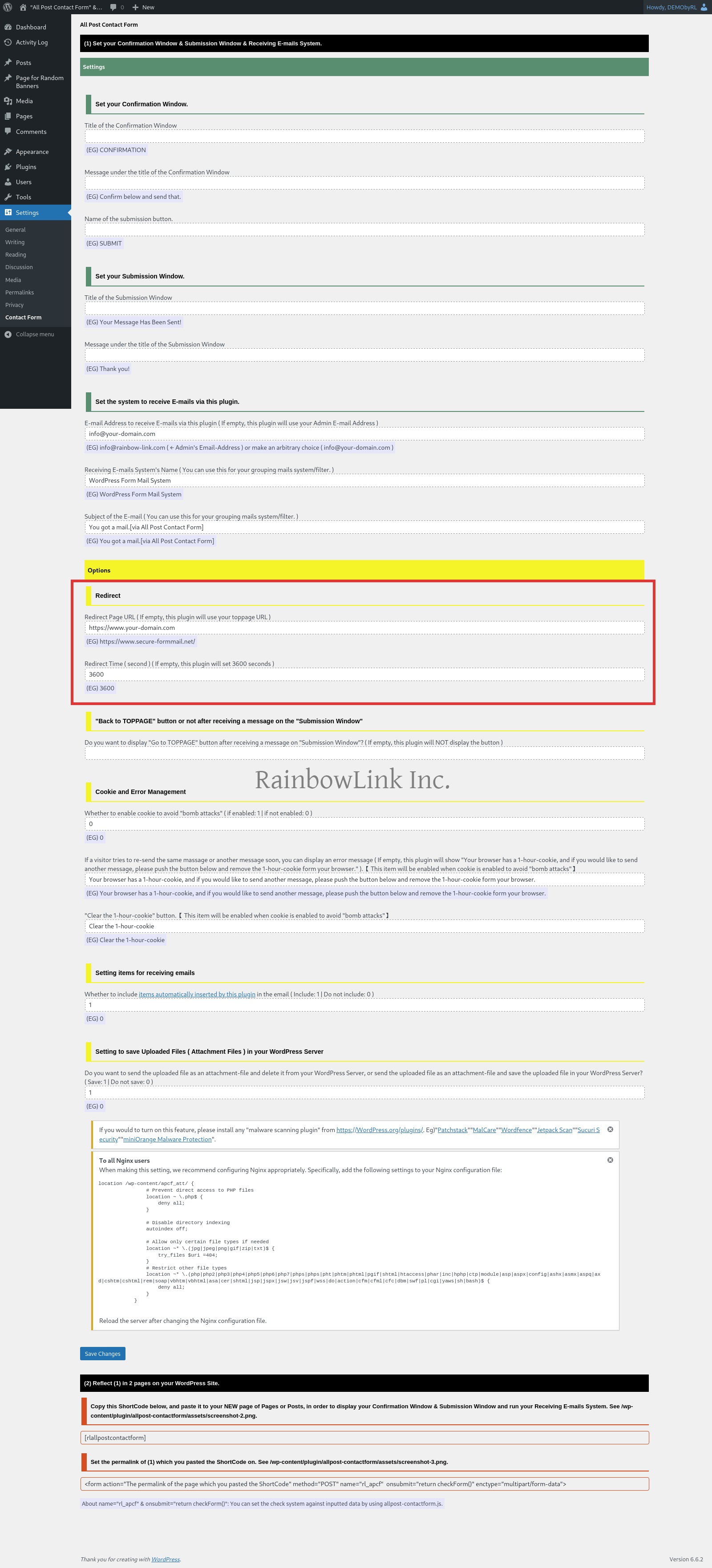
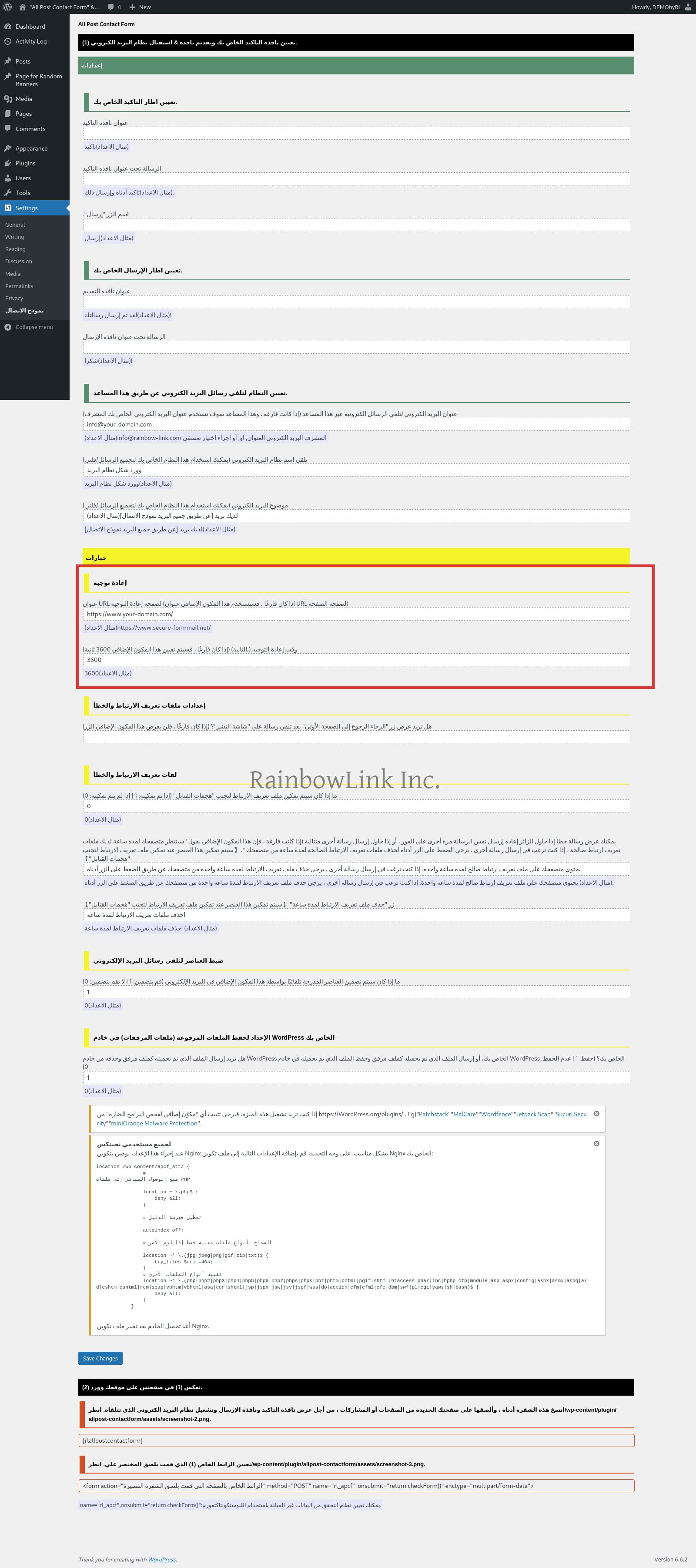
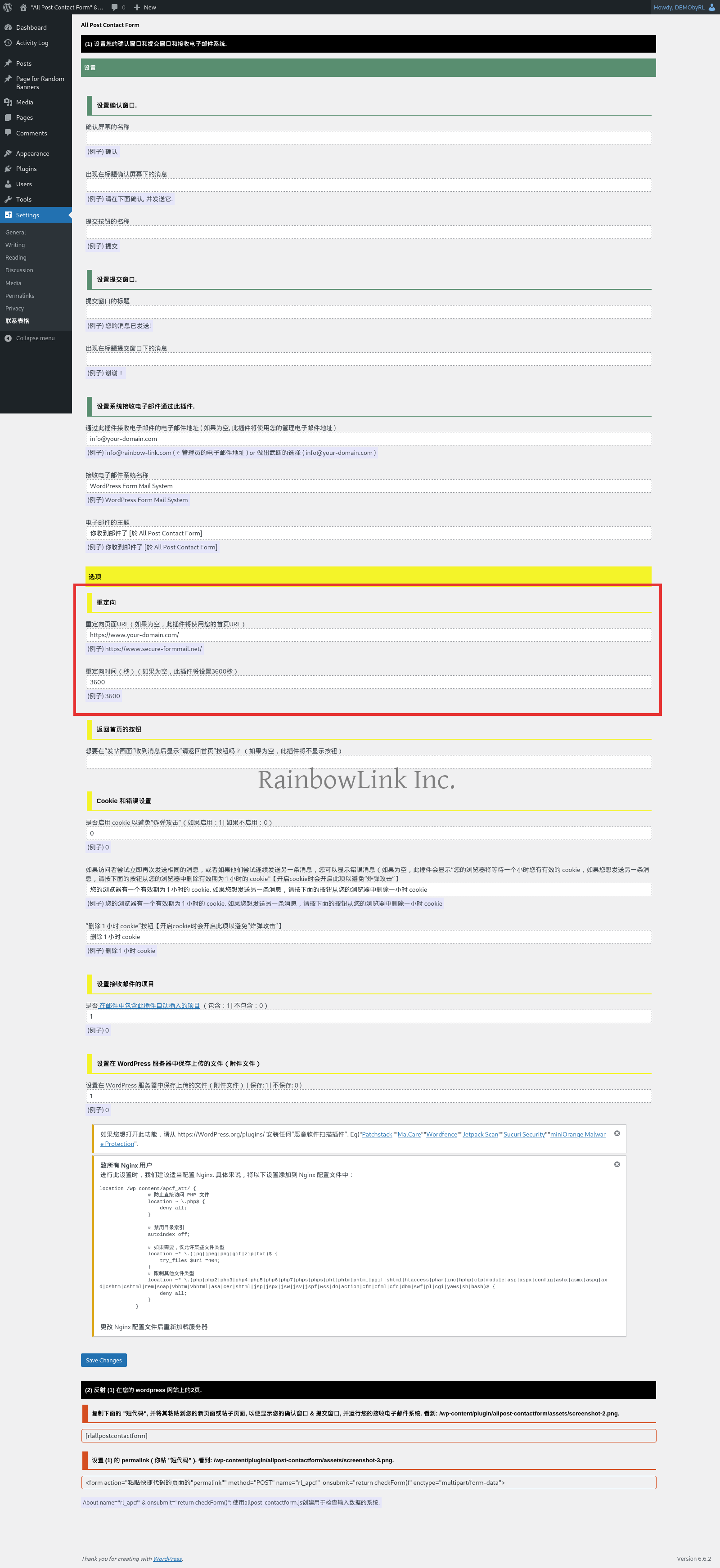
Please set it on the Admin Window. Please change the areas circled in red.En
Ar
Zh
formerly v1.5.0
Okay, please open the rl-apcf-redirect-conf.php.
If you'd like to set "redirect time" arbitrarily, change the number "4" on the right side of the next line to the amount of seconds you'd like to redirect.
//$rl _apcf_redirect_time = "4"; //time (second)
If you'd like to set the redirect page arbitrarily, please correct the "/" on the right side of the next line to the URL of the page you want to redirect.
$rl_apcf_redirect_page = "/"; //page
To enable the setting, remove the "//" at the beginning of the line.
[Update]
2024/Nov/01: For v1.7.3 and later
( 2018/December/05, 16:22:27, JST )